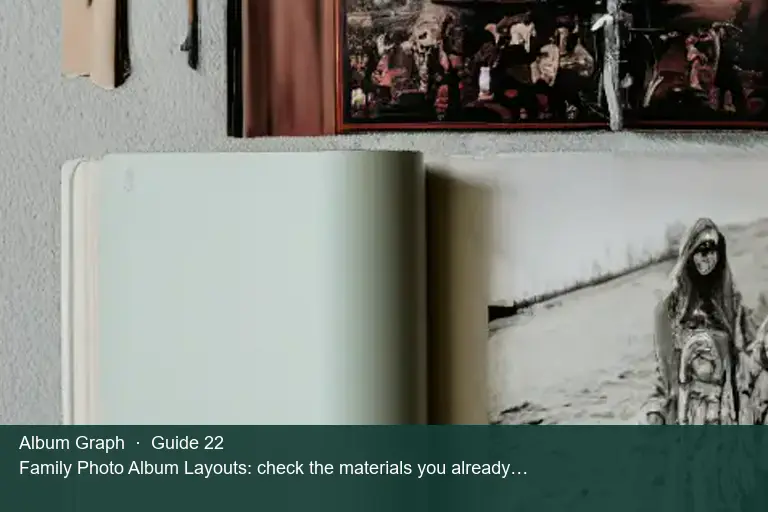
Family Photo Album Layouts: check the materials you already have — review calendar for a first practice project; setup in fifteen-minute sessions
Family Photo Album Layouts: Check the Materials You Already Have and Review Your Calendar for a First Practice Project
Family photo album layouts are essential for any home or community photo album collection. These album projects can range from simple photo albums to elaborate photo albums with intricate layouts. Whether you're creating a family photo album for a first time or revisiting an old collection, the materials you already have and the calendar you've reviewed are crucial for a successful project. In this article, we'll walk you through the process of creating a new family photo album layout, ensuring you have all the materials you need and have a solid understanding of the layout process.
First, let's take a look at your existing materials. If you haven't already, start by reviewing your calendar. This is a great first step because it will give you an overview of your existing collection and help you identify the types of photos you'll be including. You can use the calendar to sort your photos by time, location, or theme. If you're creating a family photo album for a first time, you'll need to start with a basic layout that includes a few important elements. This could include a header or title for your album, a back cover, and a cover page with the date and time of your photo collection.
Next, you'll need a backing material for your album. This could be paper, cardboard, or even a photograph frame. The choice of material depends on your budget and personal preference. If you're budget-conscious, you may want to consider using cardboard or a photograph frame to create a more durable and visually appealing photo album. If you prefer a more traditional look, you could use paper or a photograph frame to create a photo album with a more traditional design.
Once you have the materials, it's time to begin designing your family photo album layout. The layout will include the photos you've selected, your title or header, and your back cover. You'll want to make sure the layout is visually appealing and easy to read. Consider the size and color of your photos, as well as the background and any other elements you'll be including in your album. You may also want to consider the placement of each element on the album, as well as any other elements you'll be including, such as a cover page with the date and time of your photo collection.
You can use various tools to assist you in your album layout process. This could include photo editing software, photo album templates, or even a photo album planner. The choice of tool will depend on your personal preference and the level of familiarity you have with photo album creation. If you're not comfortable with photo album creation, you may want to consider hiring a professional photo album designer or using a photo album planner to guide you through the process.
Once you've created your family photo album layout, it's time to review your calendar and make any necessary changes. This is a critical step because it will help you identify any potential areas that need improvement or changes. You may want to review your calendar to identify any gaps in your photos or any areas that may need to be expanded or refined. By reviewing your calendar, you'll be able to make any necessary adjustments to your album layout to ensure it aligns with your existing collection.
In conclusion, creating a new family photo album layout can be a challenging but rewarding process. By taking the time to review your existing materials, selecting the right tools, and making changes as necessary, you'll be able to create a visually appealing and easy-to-read family photo album that will hold your family memories for a lifetime.